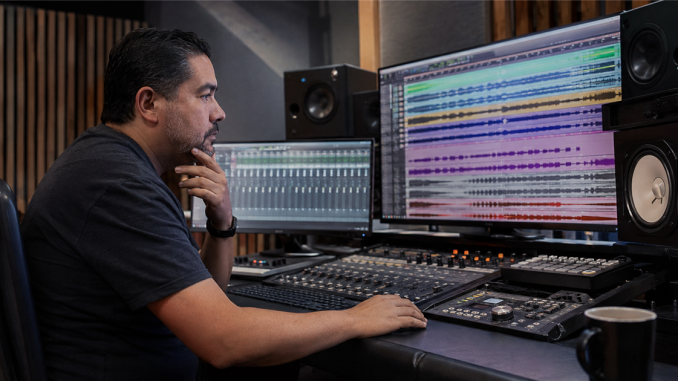
Preparing stems for mixing means giving the mix engineer clean, clearly labeled audio that starts from the same point, plays in sync, and reflects the production decisions you actually intend to keep. Good stems don't tell the engineer how to mix. They remove preventable confusion so the engineer can hear the song.
The handoff matters because a creative relationship can lose hours to technical guessing. I want you spending that time discussing feel, space, balance, and impact—not hunting for the correct vocal or discovering that one guitar begins two beats late.
Confirm what the mixer wants
Some engineers ask for individual multitracks. Others want grouped stems, such as drums, bass, guitars, keyboards, lead vocals, and background vocals. Ask before exporting. The words are sometimes used differently, so describe exactly what you plan to send.
Also confirm the file format, sample rate, bit depth, whether effects should be printed, and how alternate takes or tunings should be handled. The receiving engineer's instructions control the delivery.
Clean the session without rewriting it
Before export, remove muted experiments and obvious duplicates, but don't make irreversible creative changes just to look tidy. Check edits and crossfades, listen for clicks, and confirm that intentional noise, breaths, count-ins, or tails have not been cut by accident.
Keep a copy of the original session. Cleanup is a delivery step, not permission to erase the path that created the record.
Make every file share one start point
Export every track or stem from the same timeline position, even if an instrument enters late. When the files are placed at the same start point in a new session, they should line up without manual nudging.
Then test the exports yourself: create a blank session, import the delivered files, set the correct tempo and sample settings when needed, press play, and compare the result with your reference mix.
Decide what to print
If an effect is essential to the identity of the sound, provide a printed version and, when useful, a clean alternative. If an effect is only a rough idea, label it as a reference instead of quietly baking it into the only available file.
The same principle applies to tuning, timing, amp simulation, and creative processing. Make your intention visible. Don't force the mixer to guess whether a sound is a decision or an accident.
Label for listening, not for your session screen
Use short, consistent names such as `Kick In`, `Bass DI`, `Guitar Lead`, `Lead Vocal`, and `BGV High`. Avoid track names that depend on private jokes, colors, or a plugin slot only you recognize.
Include:
- the song title and artist name;
- tempo and meter when relevant;
- the approved reference mix;
- notes about intentional effects or edits;
- a contact person for questions; and
- accurate performer and producer credits.
Accurate delivery information also supports the broader work of building a dependable electronic press kit later. The public assets become easier to trust when the recording files and credits came from one careful source.
Run the mute test
Play the imported delivery from beginning to end. Solo each file long enough to catch noise, missing audio, clipped tails, and accidental processing. Then mute one stem at a time. You should be able to explain what disappeared and why that file belongs in the package.
When the handoff opens cleanly, matches the reference, and carries clear decisions, you have done your part. The mixer can begin with music instead of repair work.
Are you an independent musician working to build a real career from your music?
As a musician, you do everything a business owner does – you create and deliver products, manage schedules, handle finances, and do everything else a business owner does. We believe you deserve to be paid like one… and Music Sense can make it happen.




Be the first to comment